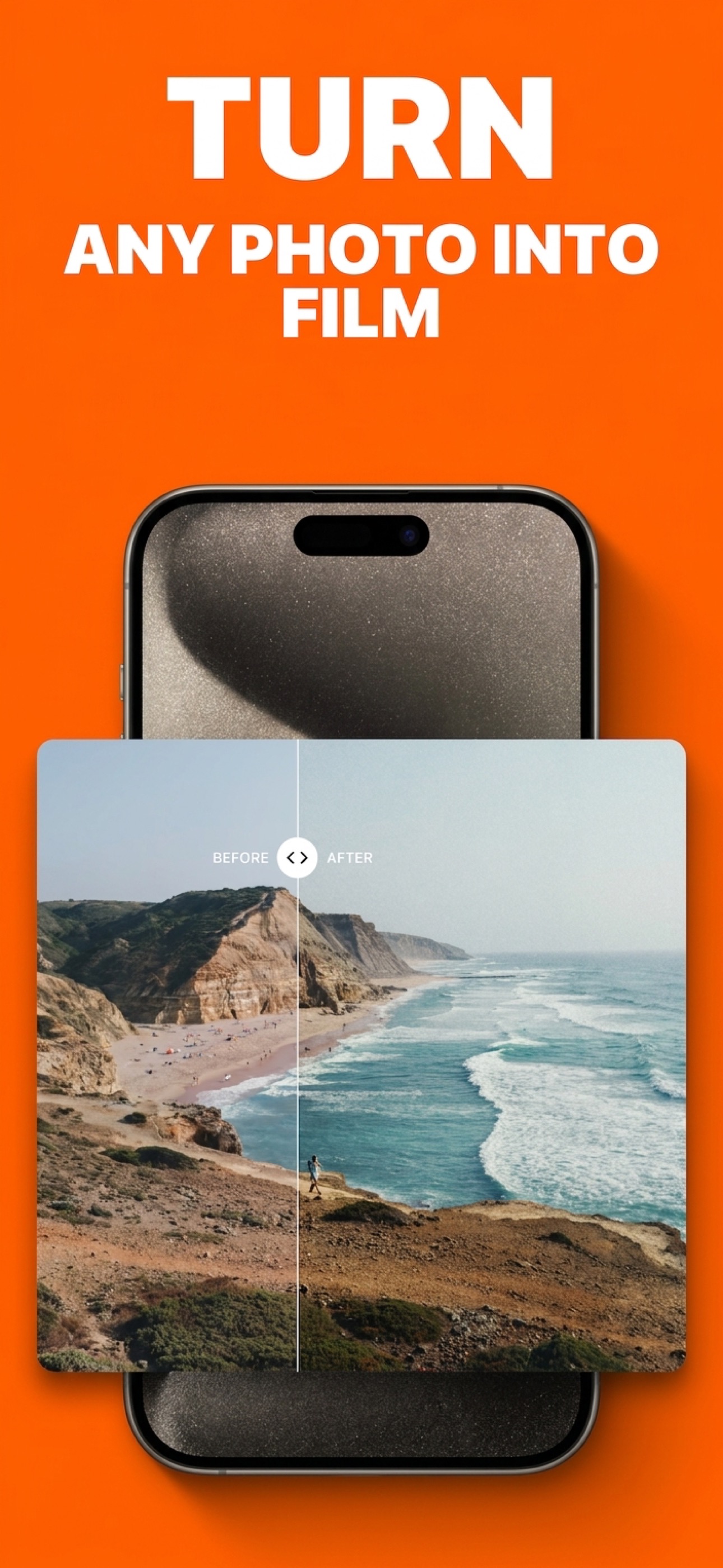
Cinematic camera for iPhone
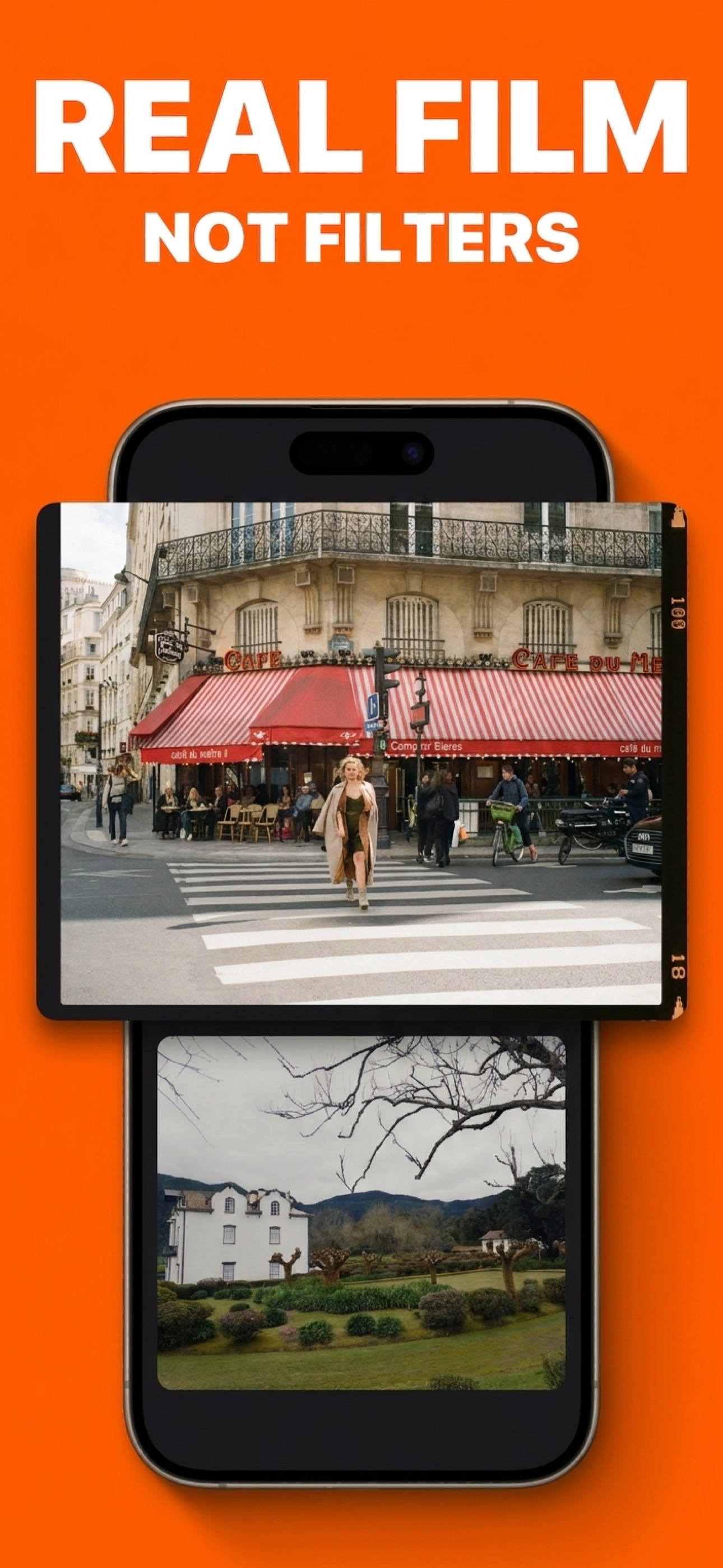
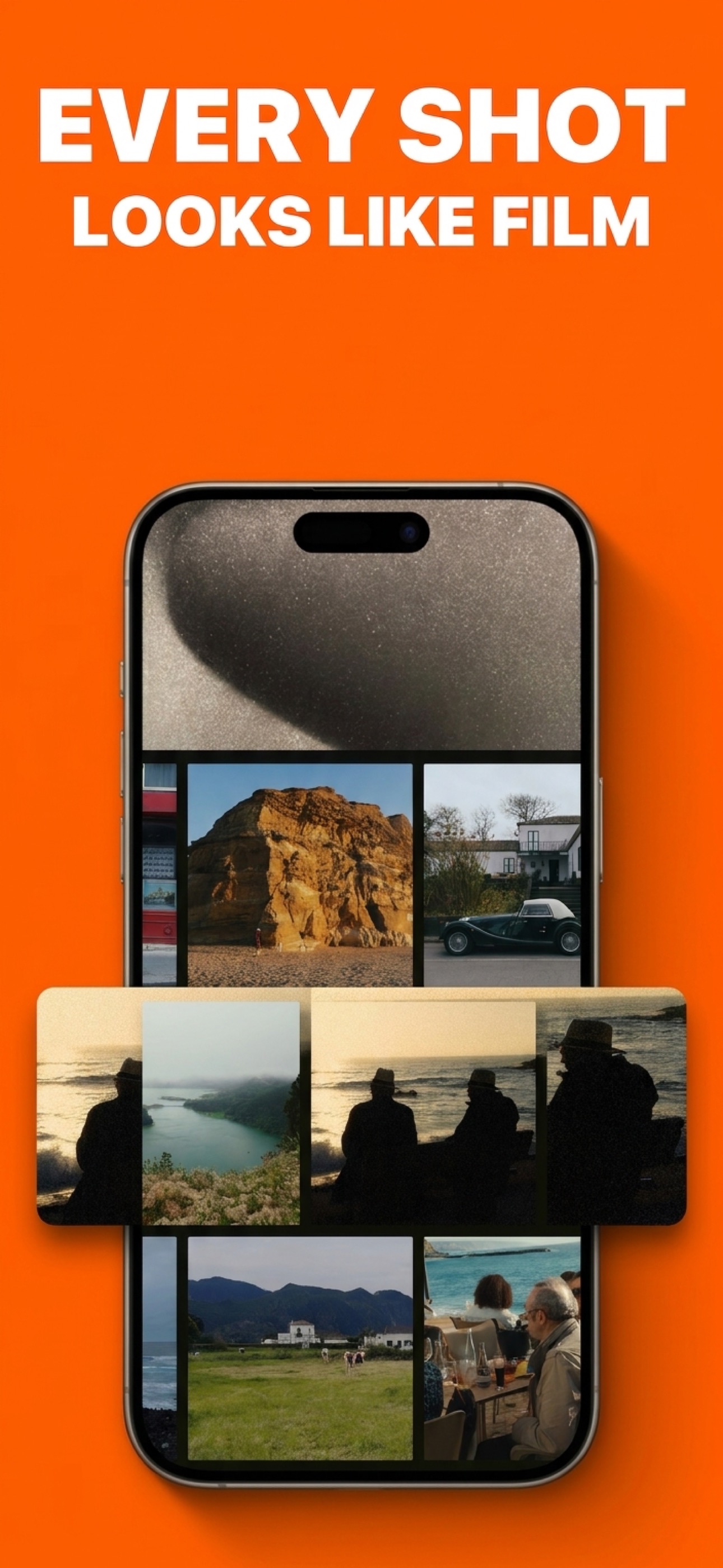
Real film, less fake retro.
Plivka is for people who like film colour but are tired of novelty filters, overprocessed phone output, and camera apps that feel louder than the images they make.
Available for iOS 17.0+ • Photo & Video • Weekly $0.99 with a 3-day trial
Features
Built more like a camera with taste than a filter app.
The point is not to overwhelm you with modes. It is to make the whole path from opening the app to saving the shot feel smaller and more reliable.
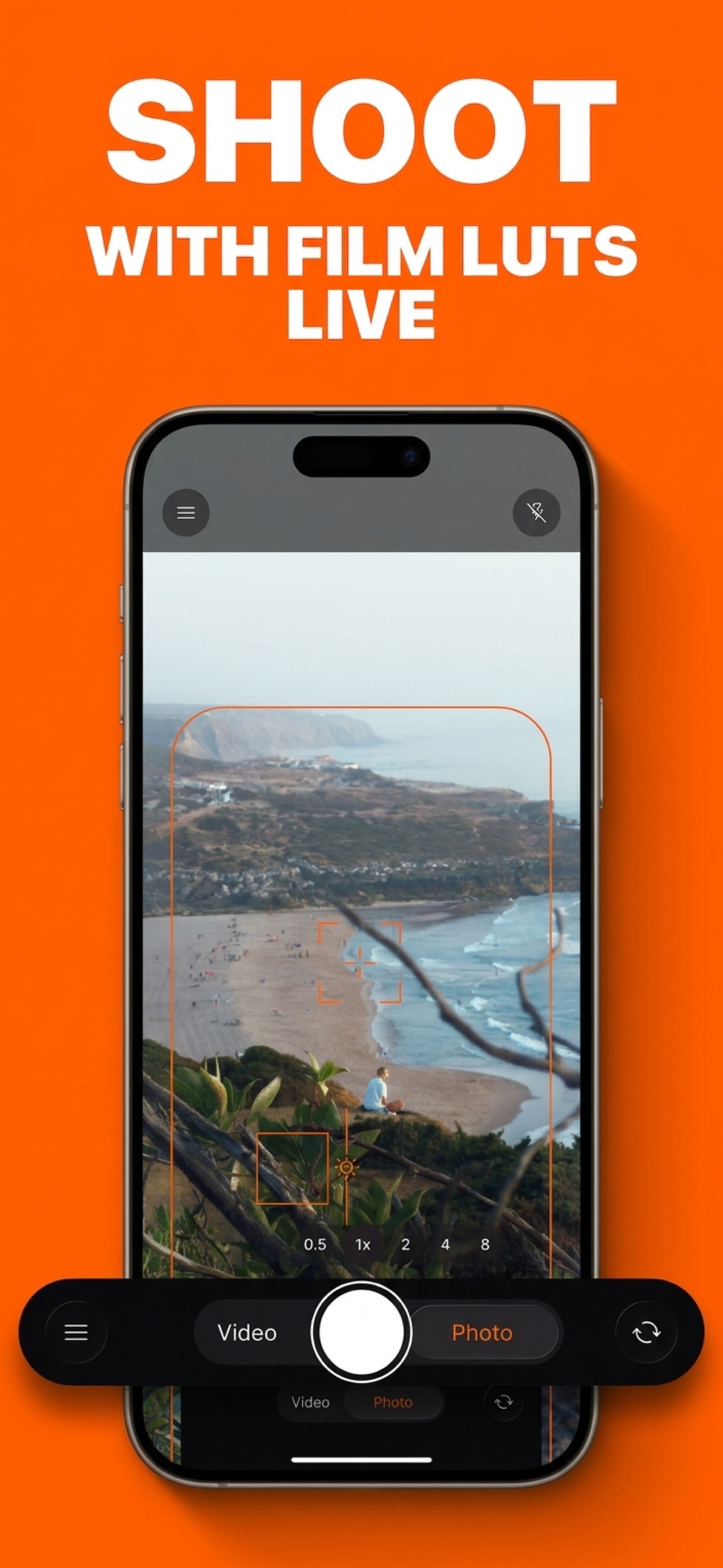
Live LUT preview
Pick a look before you shoot and see it directly in the viewfinder instead of adding the vibe at the very end.
Photo and video together
The same film direction carries across stills and clips, so the app feels like one camera instead of two separate workflows.
Apple Log when it makes sense
On supported Pro iPhones you get more room to shape the file, without jumping straight into a heavy set-monitor interface.
Real finishing tools
Grain, halation, HSL, MTF, and presets are there when you want them, but the whole app still stays calm.
Less fake retro clutter
No disposable-camera theater, no preset casino, and no pressure to scroll through endless novelty modes.
Built by an indie dev
The tone of the product is small on purpose: focused, direct, and easier to trust than a bloated camera app.
Inside the app
A closer look at the product, not just the pitch.
These are pulled from the actual screenshot set, so the page stays rooted in the app instead of drifting into generic marketing copy.
“See the look before the shot.”Recurring category language
“The output looks filtered, not film.”Reddit frustration
“Still look like cell phone photos.”Reddit frustration
“Take it into Lightroom is still an extra step.”Workflow pain
Search and compare Primary Secondary Comparison
If you need the detailed version, it’s here.
I still kept the search-focused content architecture underneath the prettier shell, so the site can rank for the weirdly specific queries people actually type.
Primary keyword angles
- film camera app for iphone that doesn't look fake
- iphone film camera app live preview
- apple log lut camera iphone
- color grading app for apple log on iphone
- digicam filter app that doesn't look overprocessed
Secondary keyword angles
- iphone camera app with real time lut preview
- app to make iphone photos look like film without editing
- iphone film app for photo and video
- alternative to dazz cam for real film look
- blackmagic camera alternative for simple apple log grading
Plivka vs Dazz Cam
For people who like the category but want less fake nostalgia and more stable colour.
ComparisonPlivka vs Blackmagic Camera
For people who want Apple Log and LUTs without living in a full pro-video interface every time they shoot.
FAQ
A few direct answers
Is Plivka a filter app?
Not really in the usual sense. The point is to see the look in the viewfinder before you shoot, then keep a simple edit path if you want to push it later.
Does Plivka work for both photo and video?
Yes. The app is built around getting the same film direction across stills and clips instead of splitting your workflow between different tools.
Can I use Apple Log?
On supported Pro iPhones, yes. The site copy intentionally keeps that promise narrow because Apple Log availability depends on the device.
Who is this for?
People who like film colour, dislike fake retro filters, and do not want to jump straight into a heavier pro-video workflow every time they shoot.